Outlook flaw made Windows hand over your password's 'fingerprint'
Microsoft fixed an Outlook flaw that criminals were already exploiting. Opening a file was enough for Windows to send your credential to an outsider.
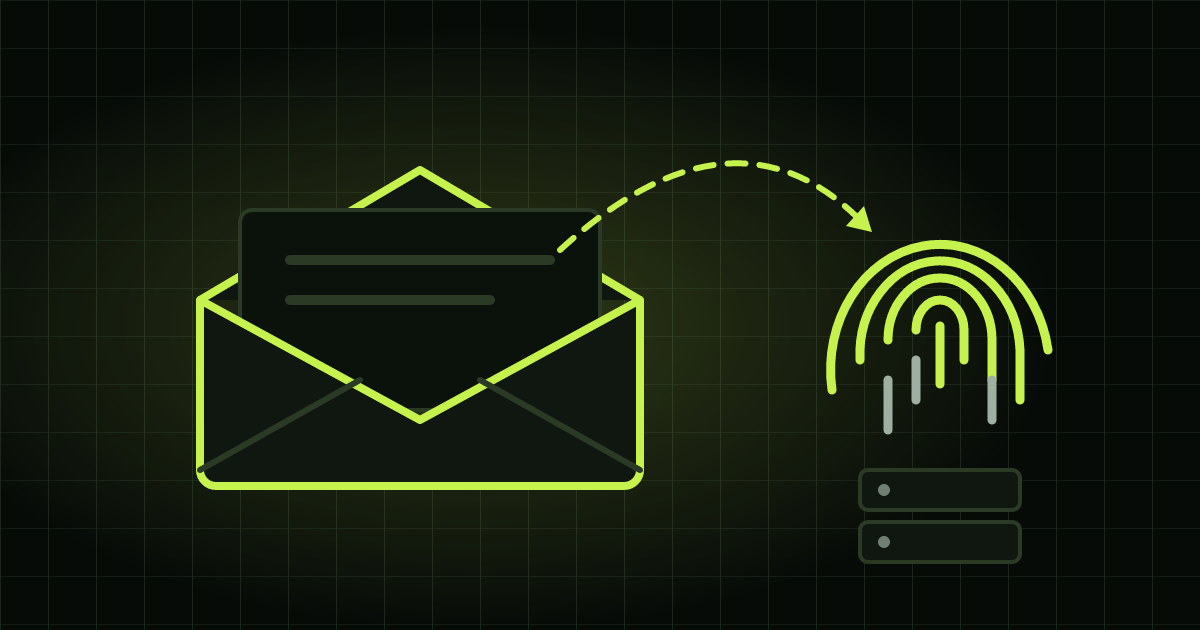
An email arrives with an attachment. It looks work-related, you double-click to open it and nothing strange happens. No alert, no window asking for permission. But in that second, your computer may have just handed a stranger a kind of fingerprint of your password.
That’s what Microsoft fixed this week, and the company itself confirmed criminals were already using the flaw before the fix. The news was first reported by Cyber Security News, the source of the technical details below; here I explain it in plain language, with the context that was missing.
What happened
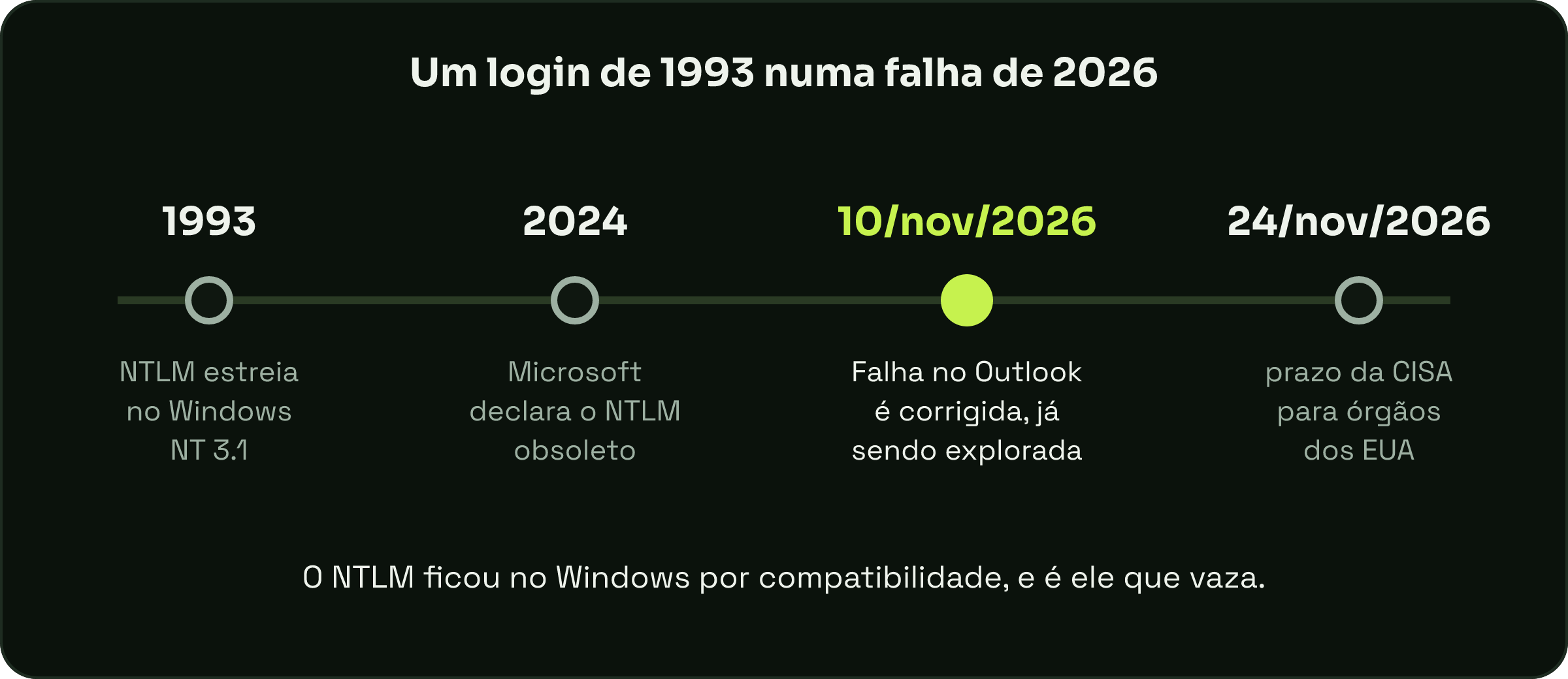
On November 10, 2026, in its monthly security update, Microsoft fixed a flaw in Outlook for Windows. It received the code CVE-2026-124194 (a CVE is the “ID card” every known security flaw gets) and the label “exploitation detected”, meaning the company has already seen real attacks using the problem, according to Microsoft’s official advisory.
This kind of flaw has a nickname: zero-day. It’s when criminals discover and use the problem before a fix exists, meaning the company had zero days to prepare.
The US government’s cybersecurity agency, CISA, added the flaw to its catalog of exploited vulnerabilities and gave federal agencies there until November 24 to update, according to Suped.
How the scam works
The attack needs you, and that’s where the trick lies. According to Cyber Security News, it goes like this:
- The criminal sends a crafted message file and convinces the person to open it.
- When it’s opened, Outlook connects to a computer controlled by the attacker on the internet.
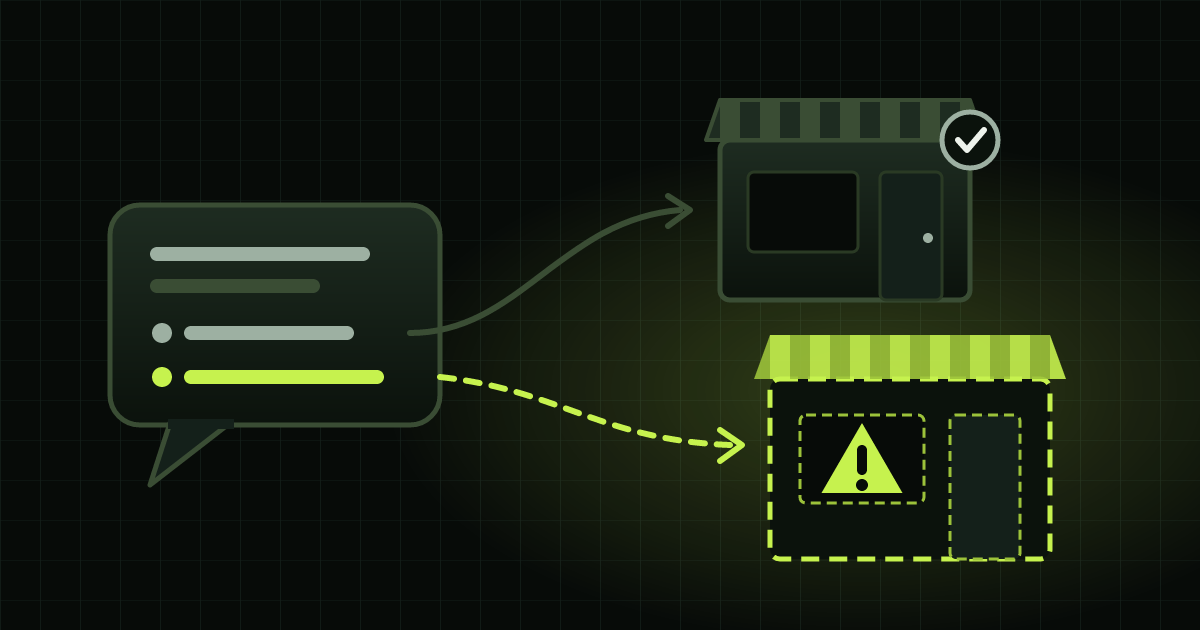
- Normally, Outlook would show a warning before fetching outside content. With this flaw, the warning doesn’t appear. You lose the chance to say “no”.
- During the connection, Windows automatically introduces itself, as it would to a printer or a shared folder on the company network, and hands over the credential.
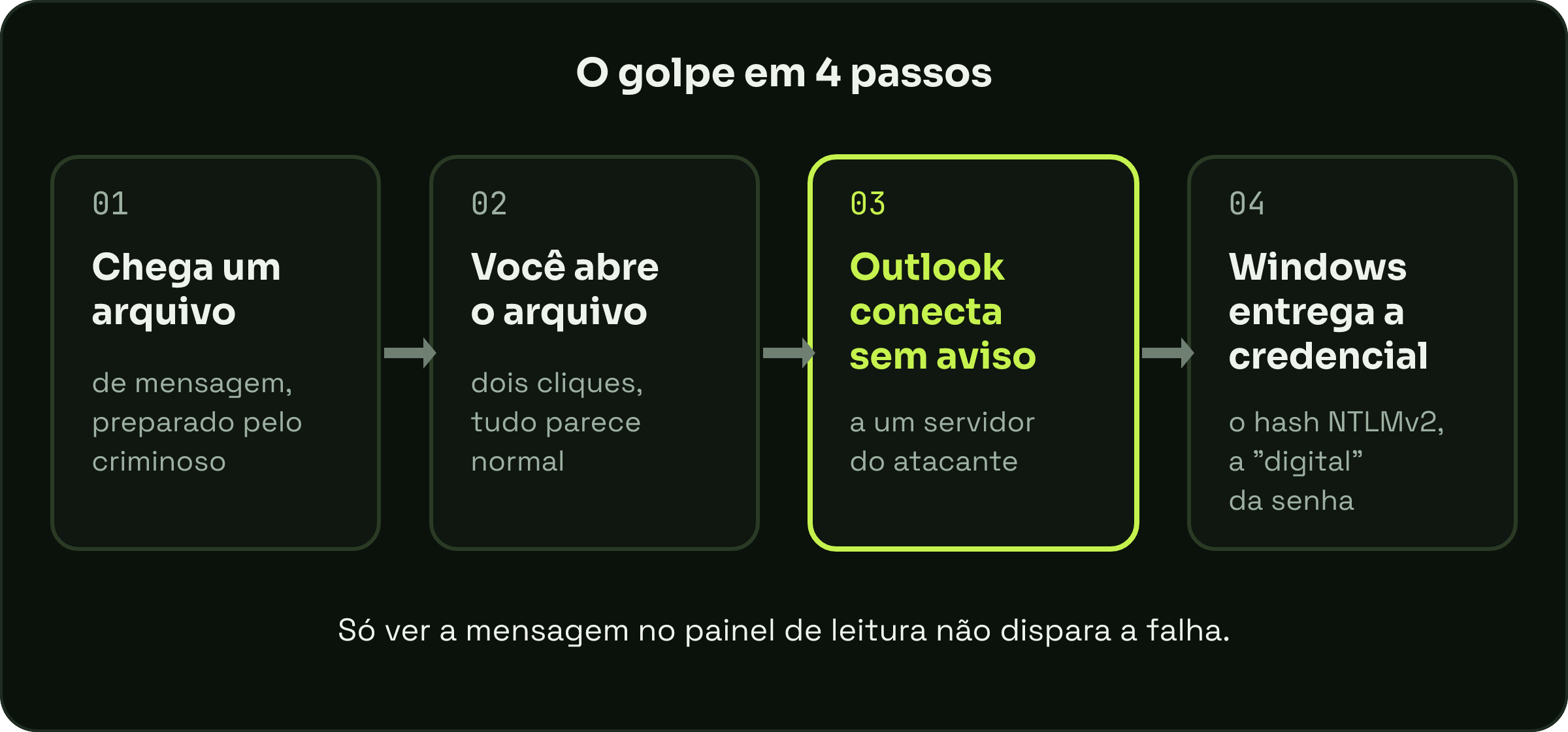
One piece of good news among the bad: Microsoft says simply viewing the message in the reading pane doesn’t trigger the flaw. The risk is opening the file.
What “fingerprint” are we talking about?
What leaks isn’t your password in plain text, it’s a hash: a code calculated from the password, like its fingerprint. Windows uses it to prove who you are without sending the password over the network.
This way of introducing yourself is called NTLM, and it’s old. It debuted in 1993, in Windows NT 3.1, according to The Register. The version that leaks here, NTLMv2, arrived a few years later, in Windows NT 4.0, according to Barracuda. Microsoft itself put NTLM on its list of deprecated features in 2024 and has been switching it off gradually, but it’s still there for compatibility with older systems.
With that code in hand, the criminal has two paths, according to Cyber Security News: try to work out the original password on their own computer, testing millions of combinations until one matches (which is why a short password is a gift), or relay the credential on the spot to another service and log in pretending to be you. Microsoft rated the flaw 6.5 out of 10: it doesn’t install anything on your computer by itself, but what leaks is precisely the key to get in.
Who needs to worry
The flaw is in classic Outlook for Windows, the one that comes with the Office suite. The affected versions, according to Microsoft, are Microsoft 365 Apps (the Office subscription), Office LTSC 2021 and Office LTSC 2024. Outlook on the web and on mobile aren’t on the list, according to Suped.
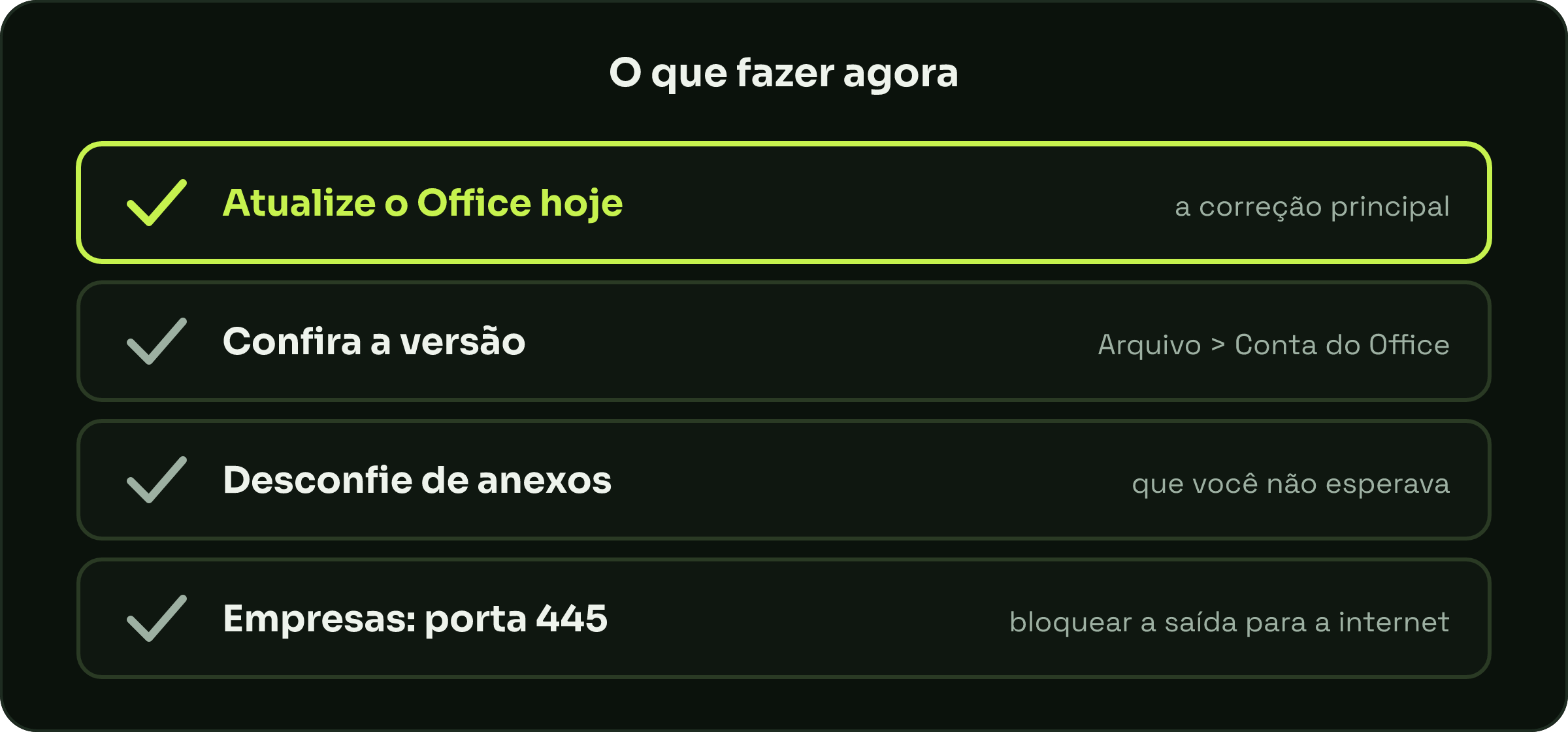
The main remedy is simple: update Office. It usually updates itself, but it’s worth checking under File, Office Account, Update Options. In companies, Microsoft also recommends blocking outbound internet traffic on port 445, the “port” used for sharing files on a network, which is where these credentials usually leak out. That helps, but it doesn’t replace the update.
The lesson
I started programming when I was 11 and I’ve seen this story repeat itself many times: the modern scam almost always leans on some old piece that stayed around “for compatibility”. NTLM is more than 30 years old and still lives inside your Windows. And notice that the defect wasn’t very technical: it was a warning that stopped appearing. Sometimes the only thing between you and a scam is a little window asking “are you sure?”.
So: update, be wary of attachments you weren’t expecting (even from people you know) and use long passwords. A long password takes much longer to crack, even when its “fingerprint” leaks.
Original source: Microsoft Confirms Hackers Are Exploiting Outlook 0-Day to Steal Windows Authentication Hashes, by Guru Baran, Cyber Security News (Nov 11, 2026). Escovando Bytes text, written in our own words based on the report and the official advisories.